Compare smooth and textured build plates and choose the right finish for your first layer in the Printer-S calculator.
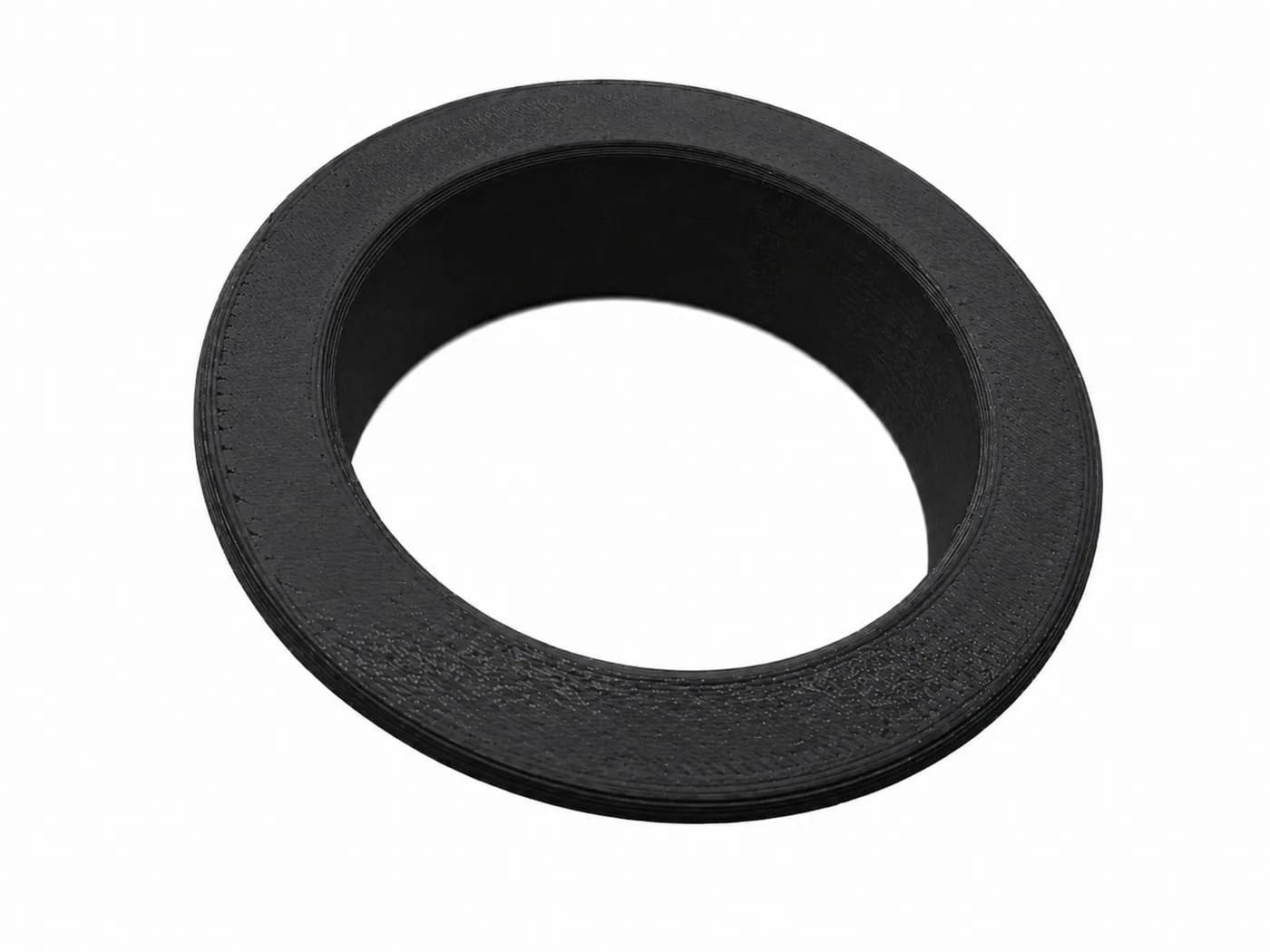
Textured plate: a fine grain
The first layer picks up the plate’s fine texture. Choose it for a matte finish, for example on the visible base of an enclosure. If the underside will be hidden and its finish doesn’t matter, you can leave the default setting.
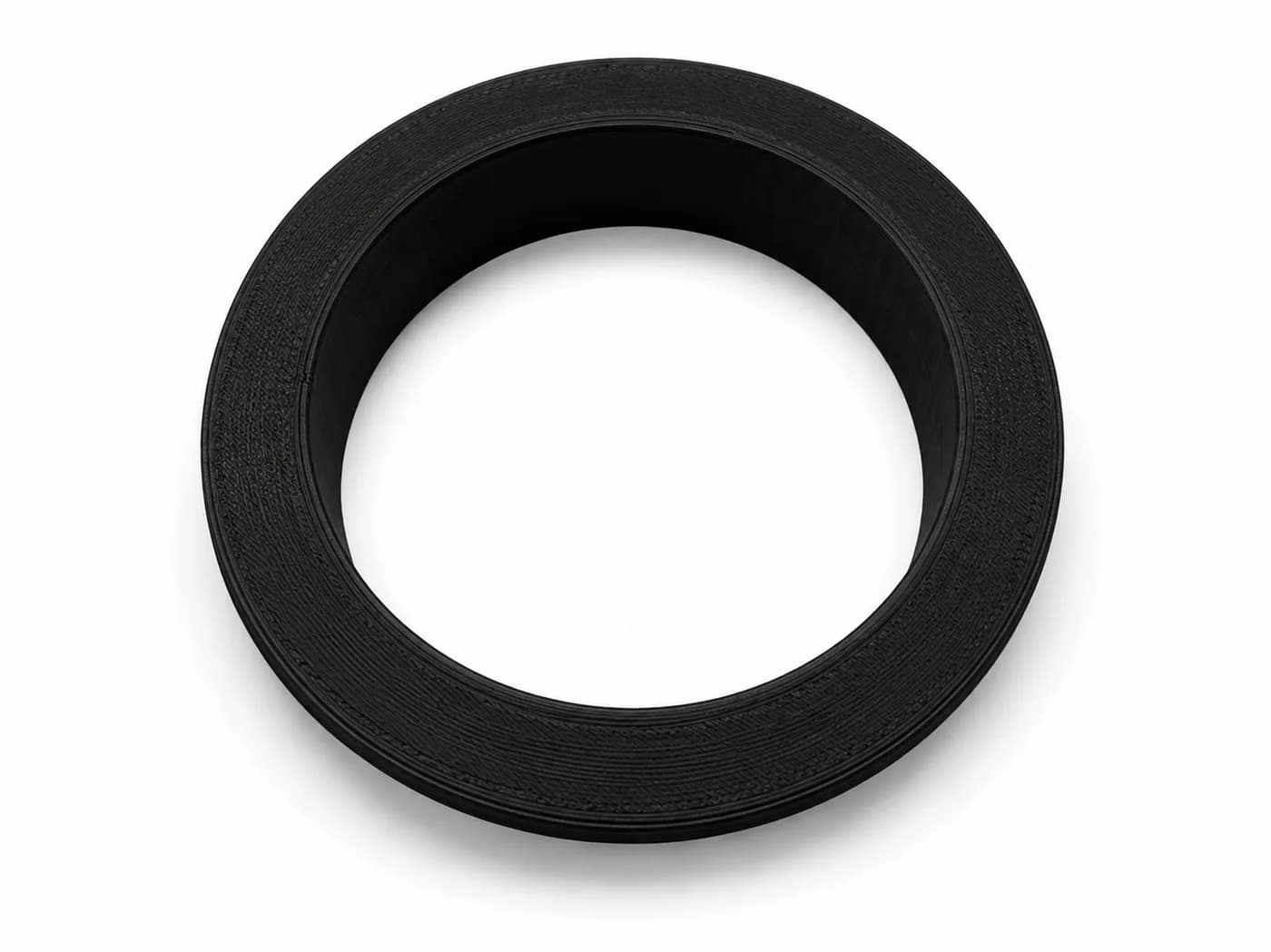
Smooth plate: an even finish
Choose a smooth plate if you want a surface that feels even, for example a flat front panel printed face down. Depending on the filament, it may reflect more light, but first-layer lines can still be visible.
How do I get the finish on the right side?
In the model preview, select the face that should sit on the bed, then choose the build plate in Advanced settings. Changing the plate does not smooth the top layer or texture the side walls. A surface printed on supports will not pick up the plate texture either.
FAQ
Frequently asked questions
Which plate should I choose if I have no preference?+
Leave it set to Textured, the default in the Printer-S calculator.
Is a textured plate the same as Fuzzy Skin?+
No. The plate textures the face that touches the bed, while Fuzzy Skin changes the texture of the model’s outer walls.